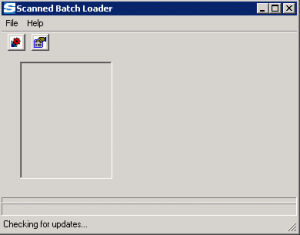
SYS | Can Upload batches of scanned documents (R)
- R allows the user to open and use the Batch Scan Upload Tool
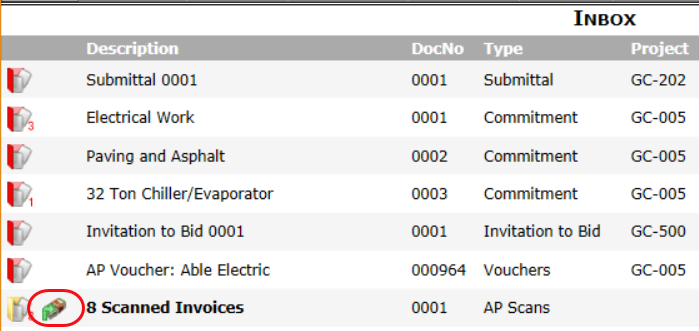
SYS | Can access and process scanned documents (R)
- R allows the user to open scanned invoices from the Inbox in order to process them.
Exclusively for Spitfire Clients