If you include Billing Codes in your budget, the Billing Code Totals worksheet provides subtotals based on those Billing Codes.
To create a Billing Codes Totals worksheet:
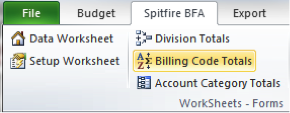
- Select Billing Codes Totals from the Spitfire menu.
- Because the creation of a Billing Code Totals worksheet can take some time, a confirmation box will appear. Click OK to continue.
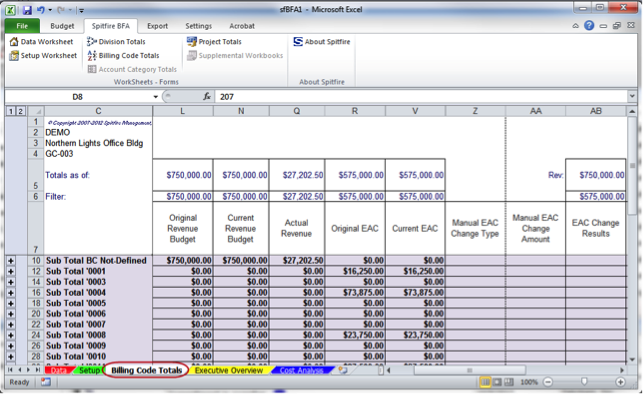
- Click the Data tab at the bottom of the worksheet to return to the Data worksheet. The Billing code Totals tab will remain.