The Account Category Totals worksheet provides an additional level of grouping by Account Categories.

To create an Account Category Totals worksheet:

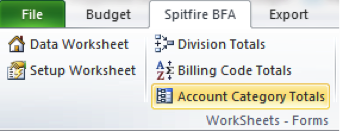
  1. Select Account Category Totals from the Spitfire menu.
  2. Because the creation of the Account Category Totals worksheet can take some time, a confirmation box appears. Click OK to continue.
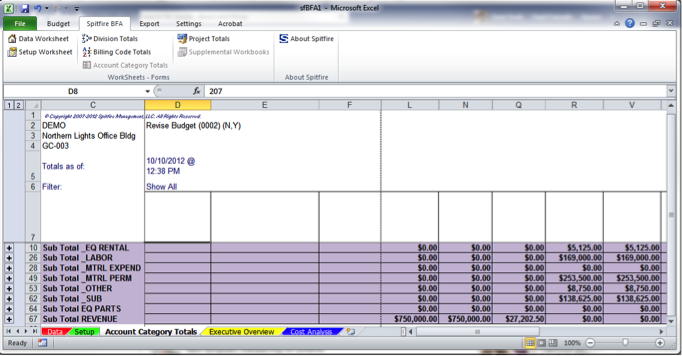
  3. Click the Data tab at the bottom of the worksheet to return to the Data worksheet.


Tags:

Related Post

BFA SnapshotsBFA Snapshots

Every BFA workbook is associated with an internal snapshot of all approved financial information for your project. Each snapshot includes: Original Budget EAC Forecast Change Orders and CCOs Commitments Pay

Initial RouteInitial Route

Users with proper permission can create predefined routes based on Doc Types and other conditions. If you create a document that has no applicable predefined route, the route first appearing