The File Route document is created by sfPMS for the sole purpose of routing a file to another user, thus allowing all Catalog files to be routed.
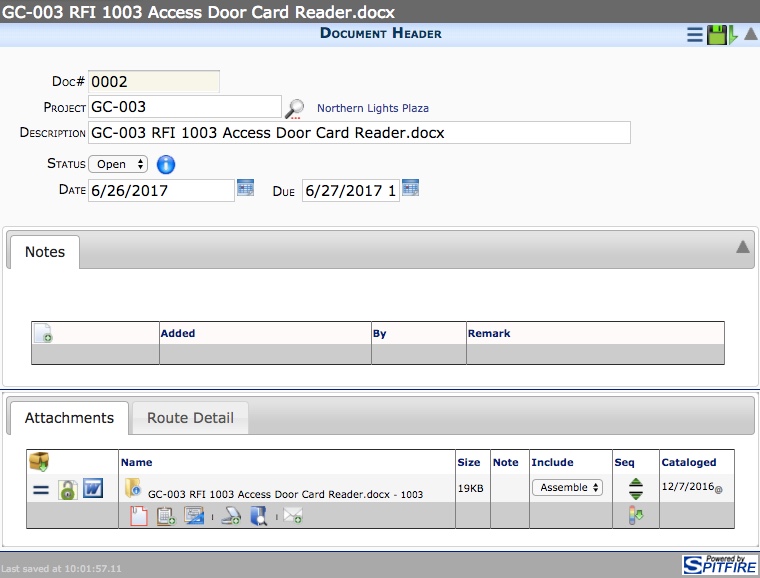
File Route documents are created when you choose to route a file from the Check In dialog box or the Actions and Options menu. A File Route document when its file attachment can then be routed as usual. Because they are Spitfire documents, File Routes can be found in the Catalog.