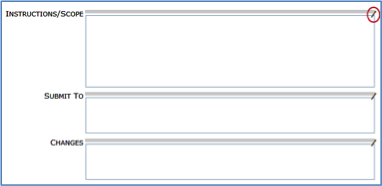
There are many types of fields throughout the system that allow user input.
Lookup
Lookup fields require information from a specific lookup list. You can either click the icon to open the corresponding lookup list or, you can type directly into the field.

Autocomplete
The lookup fields include autocomplete. Once you type three characters, the system will provide a drop-down list with some valid choices.

Freeform – Text
Accepts text.

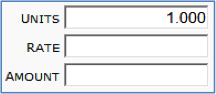
Freeform – Numeric
Accepts only numbers.
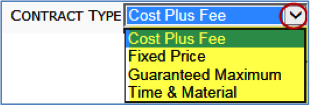
Drop-down Lists
Provides a list o possible choices for the field.
Date Fields
Allow you to type or select dates.

Checkboxes
Are toggles between Yes/On and No/Off.

Notes
Allow for direct entry and will retain text formatting entered through the text editor. Text formatting is transferred to template output.