Question:
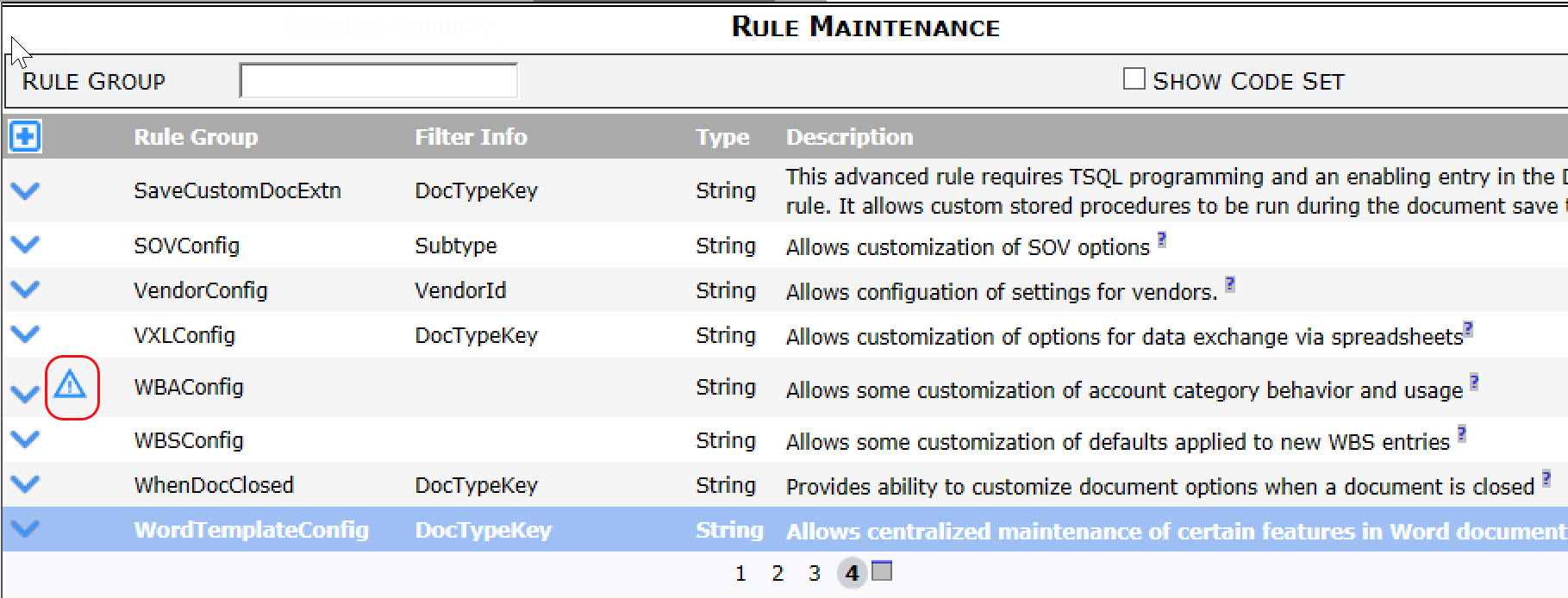
I sometimes see a triangle symbol in the Rule Maintenance tool, either on the rule group grid or the rule detail list. What does this symbol mean?
Answer:
Rule groups comprise specific rules and those rules very often accept only specific result values. When an invalid rule or result value is saved, a warning symbol appears. The symbol on the rule group grid means that there is a mistake in that rule group: expand the rule group to find the mistake.
Tip: click the Warnings Only filter to quickly find the rule that contains an invalid value:
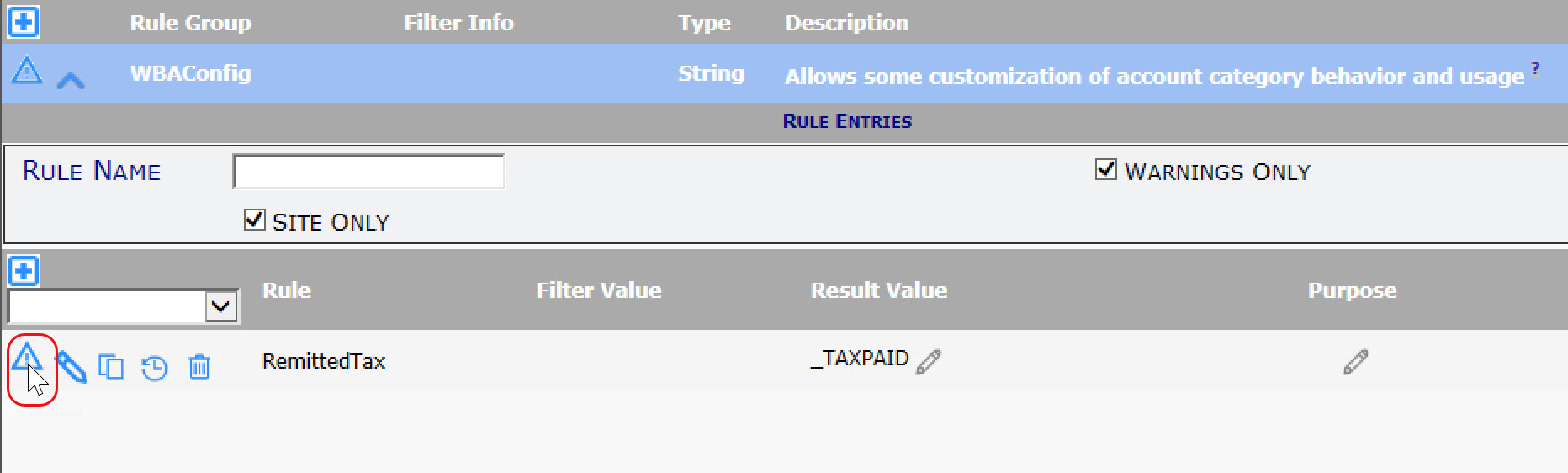
- Mouse over the symbol to see what is invalid then change it to a valid entry.
- See KBA-01465 for an explanation of rule validation warning messages
KBA-01786; Last updated: January 27, 2020 at 11:18 am